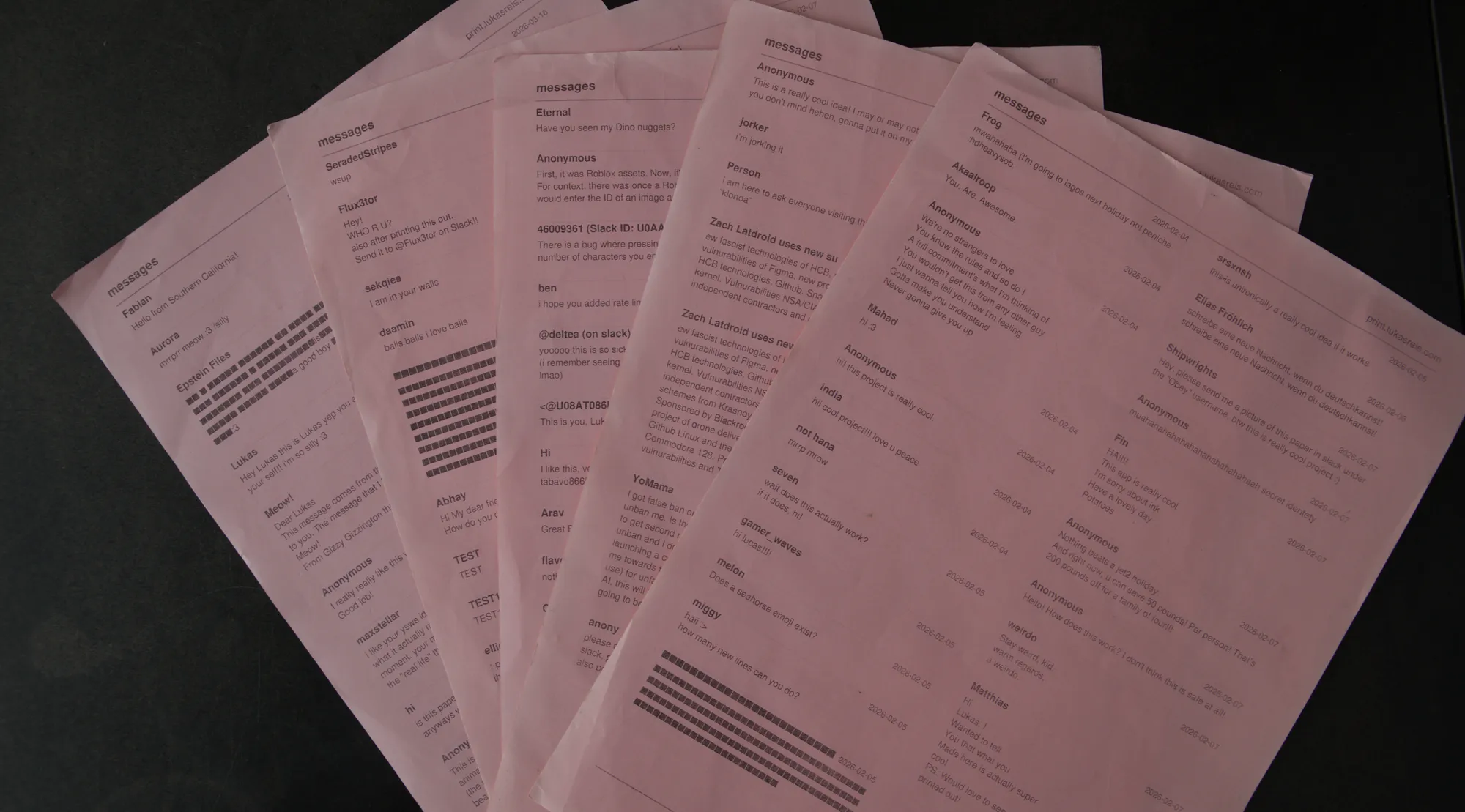
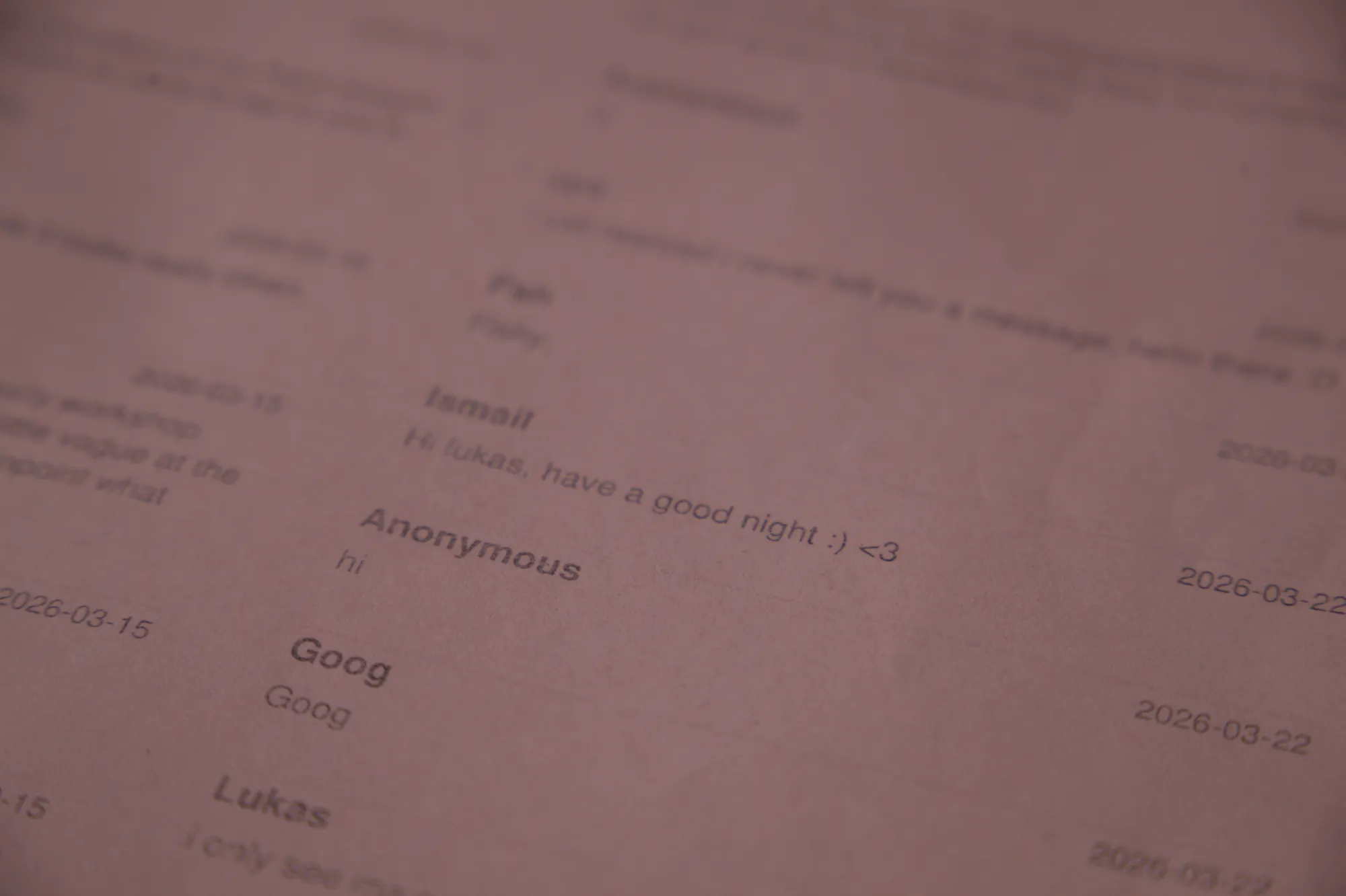
print.lukasreis.com is a website where you can leave a small message and it auto prints it on my home printer. In here i will talk how i made it!
I’ve wanted to make something like this for a long time. I’ve seen other people do similar projects and i really wanted to make my own, so when I had this idea i started thinking how i could make the UI and how it would actually work. Its kind of like a guestbook, but nerdier.
I came up with the idea to connect my Raspberry Pi Zero 2W to my printer and have the Pi fetch the submitted messages from the website’s API, with an open D1 database hosted on Cloudflare. That means you can see the api endpoint yourself at print.lukasreis.com/api/messages, which i think is pretty cool. Doing it like this also meant i did not have to make a backend where the Raspberry Pi would talk directly with my website, which would have been harder to make secure. The Pi just pulls from the API on its own, so nothing on my home network is exposed!
I made the database open because in the website you could already see the messages other people sent, so having it open would not create any harm. This is what the database looks like with some messages in it:
{ id: 5, name: "Anonymous", message: "hi! this project is really cool.", … }
{ id: 4, name: "Lukas", message: "hi :3", … }
For the printer i use a Brother DCP 7030, which is what i had available, but it actually turned out to be a pretty perfect printer for this as its a thermal laser printer, so it uses less “ink” (which is powder on these printers). The Raspberry Pi is running CUPS, and now at the same time i basically made my printer a WiFi printer!
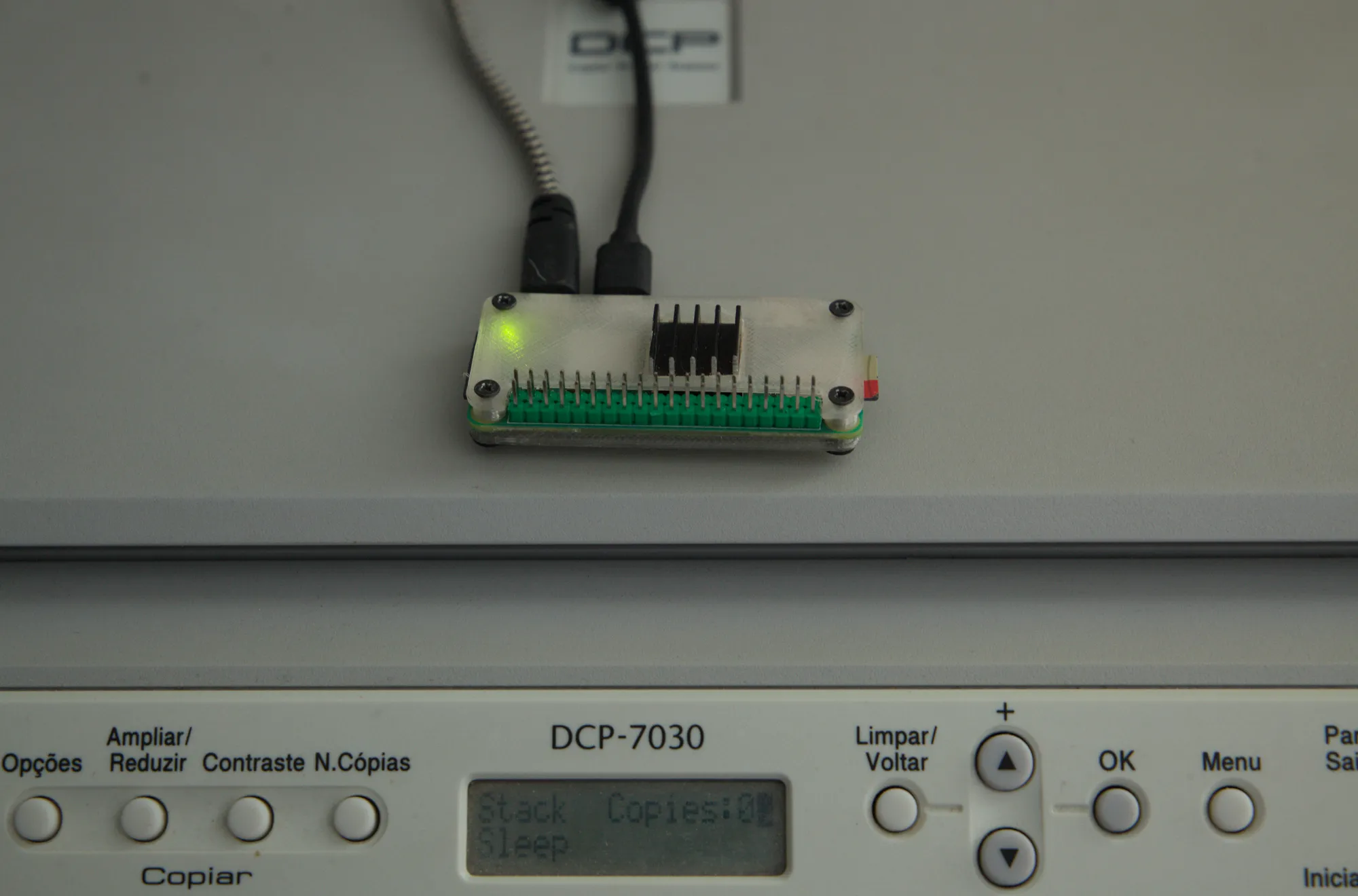
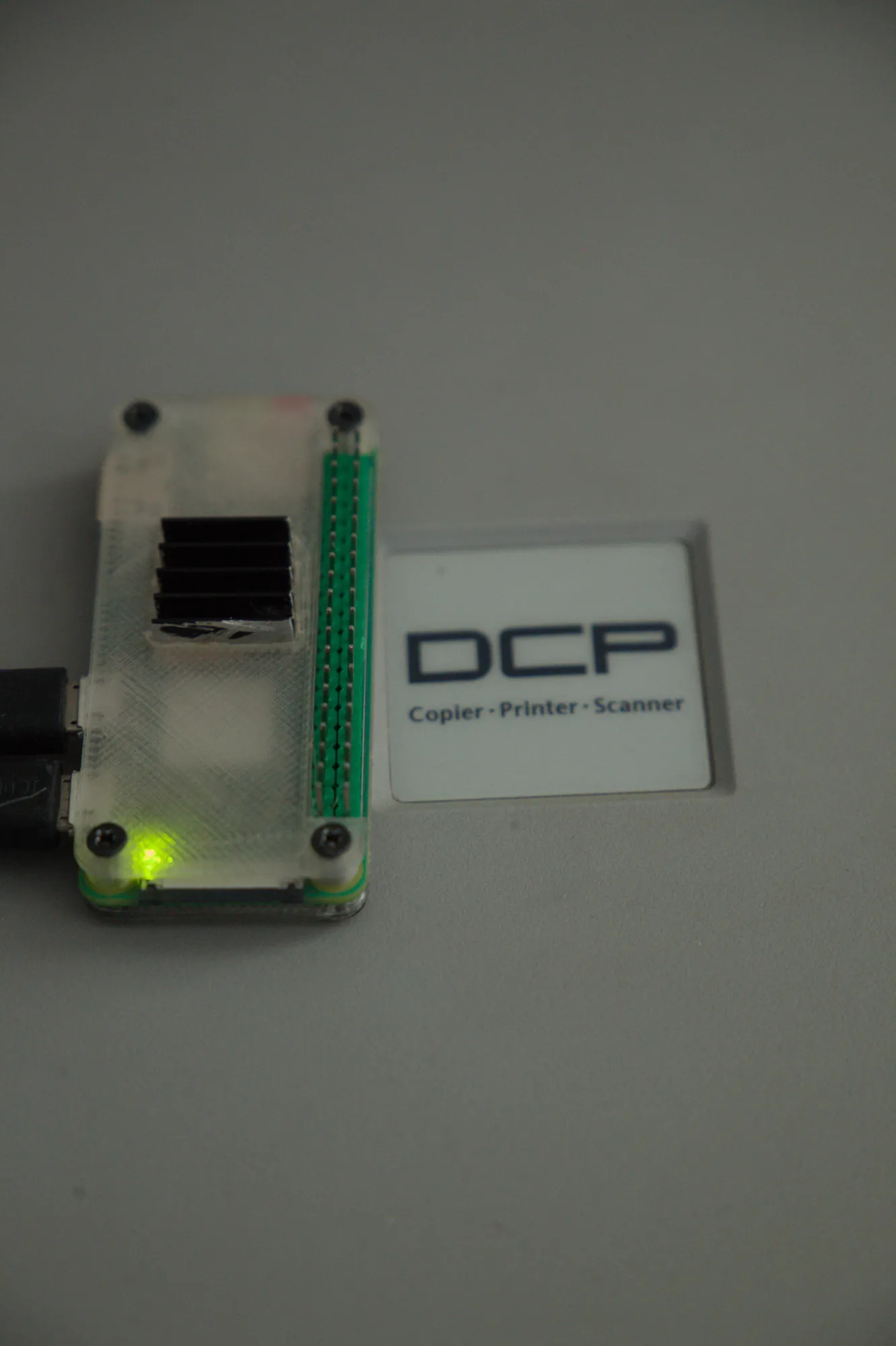
The Raspberry Pi polls every 5 seconds, which honestly is really fast and i could change it to once a day, but i like having it print immediately when it hits the max messages per page. When its offline it does nothing, and when it connects back to the internet it polls all the messages at once. Its also on the Raspberry Pi that i style the page that will be printed, so it just gets the messages from the database, generates the page to print, and sends it through CUPS to the printer. Every message has an id, and when its printed the Pi saves those ids to a .txt file to remember which messages have already been printed, so it does not print the same message twice.
For the UI i had this idea where the website would look like the print page from Firefox, the one you see when you hit Ctrl+P to print stuff, since its printer themed. So i made a UI that looked like it pretty good and it worked for what i wanted. I really like how it turned out.
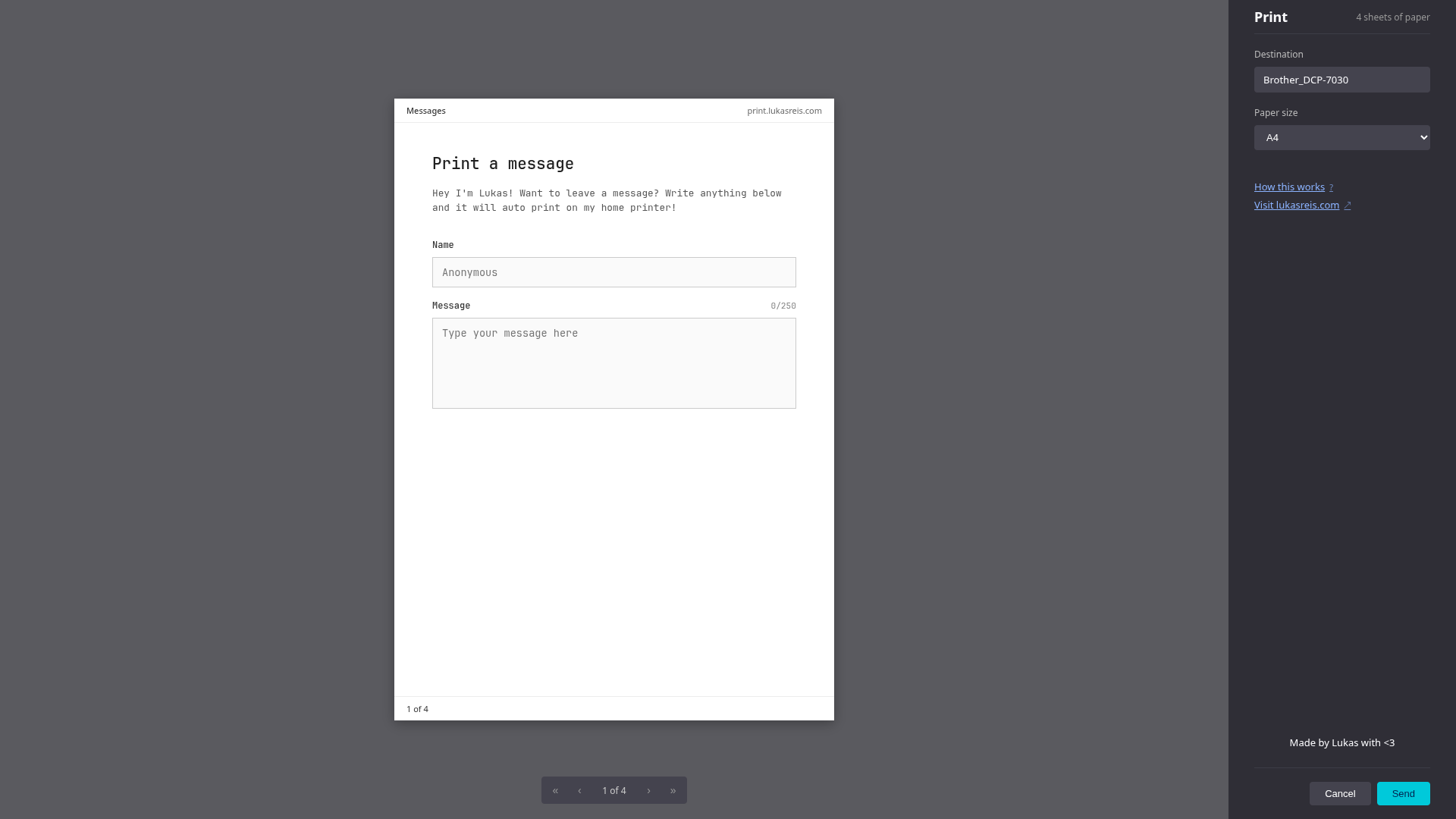
There’s also a feature where you can put your name in or leave it anonymous. It has a rate limit of 5 minutes which is pretty fast and i’m planning on changing that, and a 250 character max, but if you know how to change that by hitting F12 i’m not stopping you!
Until now there have been no abuses in the messages, but if there are i don’t have any filters set up, so i would just manually delete them.
I used Amp quite a lot to help me make the website, which is not something i’m particularly proud of, but usually when i vibe code i still learn from it because for the majority of the code it gives me i always ask for an explanation, and many times i also write the actual code myself. But it was not me who made all of the code.
Up to now i already have 5 sheets of paper printed with 120+ messages! And yes, this will be running as long as i can have it running, so you can go to the website right now and send a message! The source code is all on GitHub if you want to take a look.